

Currently Empty: $ 0.00



This course teaches you how to build a complete, real-world Pharmacy Management System from scratch using PHP, MySQL, and AI-assisted development.
You will not just learn coding concepts — you will build an actual working system that handles users, medicines, sales, payments, reports, and deployment to a live server.
The course is beginner-friendly and step by step. You’ll learn how to use AI to speed up development, write instructions, and even generate code using prompts (including Somali language prompts).
By the end of the course, you will have a fully functional pharmacy system deployed online, ready for real use.
Course Content
Course Modules
-
Gathering Pharmacy System Requirements
06:45 -
Pharmacy System Analysis & Design
05:59 -
Downloading AI Coding IDE
05:10 -
Installing AI coding IDE to your computer
04:12 -
Configuring AI coding IDE
04:26 -
How to download xampp software
02:18 -
How to install xampp software to your computer
01:54 -
Lesson 8 how to run xampp software as background to your computer
04:34 -
How to create agent.md file
04:19 -
How to write pharmacy system instaructions and workfollow
05:59 -
How to run agent md file
07:49 -
How to create database and import tables
03:34 -
How to run pharmacy system part 1
12:25 -
How to run pharmacy system part 2
04:44 -
Understanding dashboard and how to create cashier user
02:16 -
How to create other users in the pharmacy system
02:07 -
How to register suppliers and medictaion categories
04:20 -
How to add new medication to the system
04:32 -
How to register purchased medicine to the store
09:15 -
How to transfer medicine from store to pharmacy
02:28 -
Understanding how the cashier works in the pharmacy system
07:19 -
How to create payment account and assigned to the cashier
09:22 -
How to make payment methods dynamic
09:40 -
How to make all payment methods available to the cashier
07:37 -
How to fix cart layout in the POS part 1
12:18 -
How to fix layout part 2
04:54 -
How to sell in POS and generate receipt
03:17 -
Navigating the areas that sells can seen
04:59 -
How to add date of sales occur in the admin area
06:29 -
How to generate sales data as excel and download it
10:08 -
How cashiers close their transaction balance
12:26 -
How to create another cashier user and populate its data
08:46 -
how to create specific account for the cashier
06:23 -
How to manage loans
11:36 -
How finance users can see and manage loans
03:49 -
How to write prompts in Somali language and let AI work for you
10:47 -
Preparing pharmacy management system to deploy it online
12:40 -
How to get free hosting account and sub domain
06:32 -
Understanding what is cpanel and how it works
05:46 -
How to create database in Cpanel
07:33 -
Correcting the database and importing again
03:24 -
How to deploy pharmacy management system to live
08:35 -
How to correct url of the system and customize it
08:43 -
Congratulations you just made pharmacy management system an deploy it to online
00:47
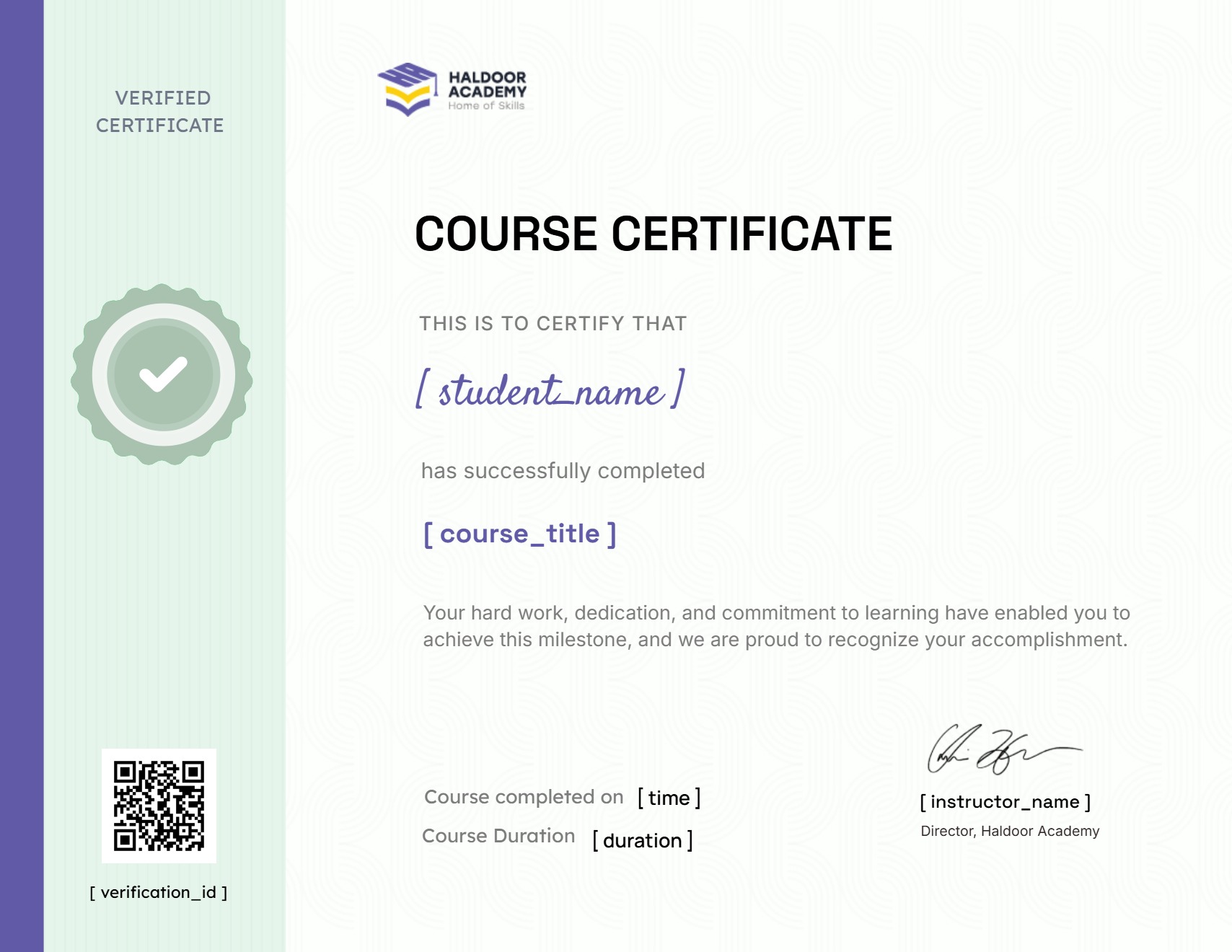
Earn a certificate
Add this certificate to your resume to demonstrate your skills & increase your chances of getting noticed.
A course by
Student Ratings & Reviews

No Review Yet

Course Includes:
- Price: Original price was: $ 10.00.$ 7.00Current price is: $ 7.00.
- Instructor:Abbas Mohamed Walaal
- Duration:
 Lessons:44
- Students:1
- Level:All Levels
- Updated:March 3, 2026
Courses You May Like

All Levels
Prompt Engineering Mega Course
Original price was: $ 10.00.$ 7.00Current price is: $ 7.00.
All Levels
Prompt Engineering Mega Course
Original price was: $ 10.00.$ 7.00Current price is: $ 7.00.
Prompt engineering is one of the most important skills in the AI era.In this course, you’ll learn how to communicate with AI tools clearly and...
Enroll Now
All Levels
WordPress Mega Course 2026
$ 15.00
About CourseWordPress Mega Course: Your Complete Guide to Building Dynamic WebsitesCourse OverviewWelcome to the WordPress Mega Course, the ultimate comprehensive program designed totransform you from...
Enroll Now
All Levels
Mastering Framer – Build High-End Websites Without Code
Free
This hands-on course teaches you how to design and build modern, high-performing websites with Framer—a powerful visual design tool that merges UI/UX design and frontend...
Enroll Now
Intermediate
Master HTML & CSS: Build Responsive Websites From Scratch
$ 19.99
Become a Web Development Pro: Master HTML & CSS in This Comprehensive Course! This beginner-friendly online course empowers you to build responsive and visually appealing...
Enroll Now